
☝️ Chat on WhatsApp
×

Hello, Welcome Back!

Enter your details below to continue.

Digital Technology Pathway 1


Digital Technology Pathway | Cybergen
🚀 Pathway Programme

Digital Technology Pathway

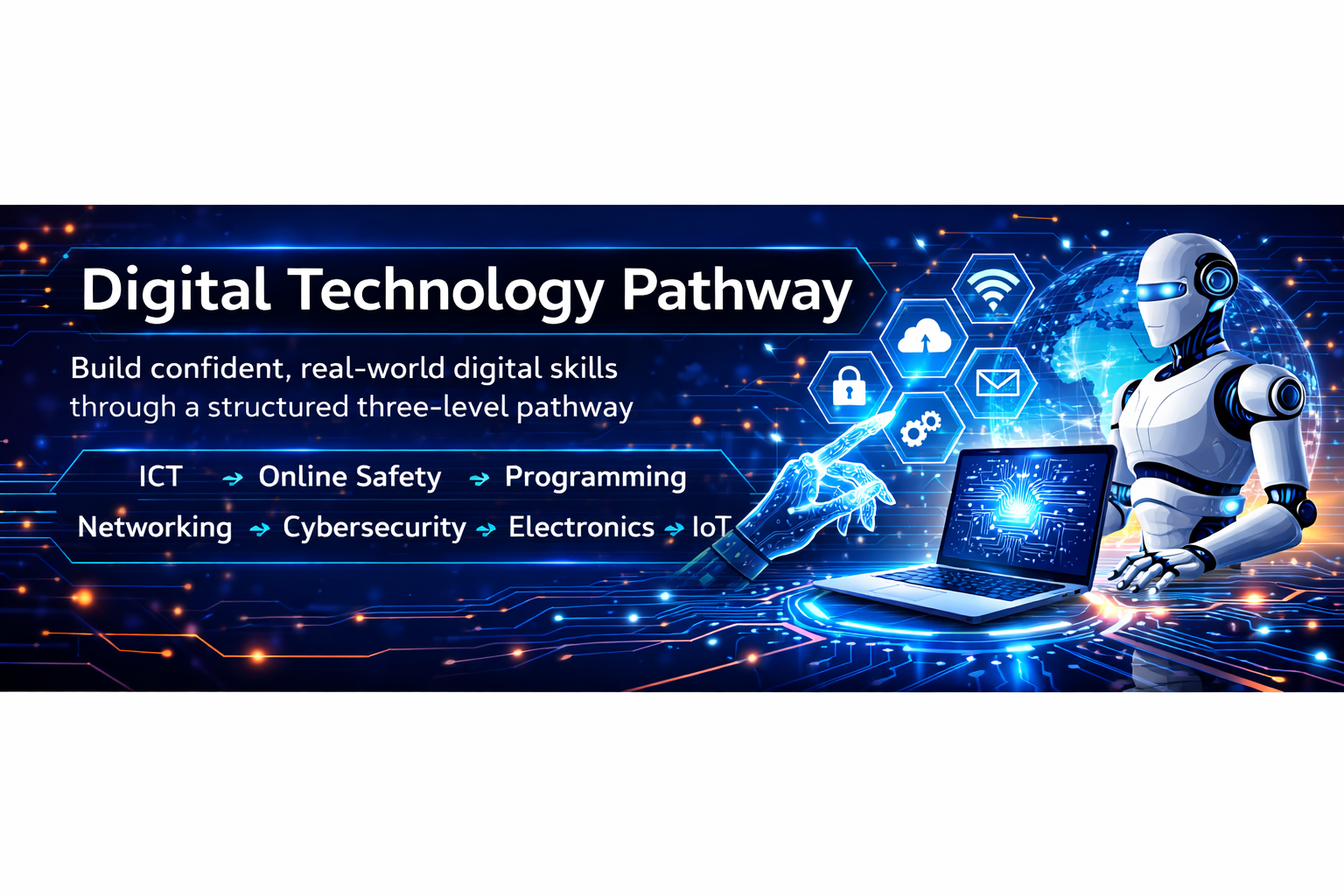
Build confident, real-world digital skills through a structured three-level pathway covering ICT, online safety, programming, networking, cybersecurity, electronics, and introductory IoT.

Quick Facts

Levels1 → 3
MethodInstructor-Led
FocusHands-On
Online

Overview

What learners will gain from the pathway.

✅ Key Outcomes
  • Confident use of everyday digital tools
  • Strong online safety habits
  • Intro to coding, networks, and cybersecurity
  • Practical projects using simulation tools
🎯 Ideal For
  • Students starting their digital journey
  • Learners who want step-by-step progression
  • Anyone aiming for future tech/cyber courses

Programme Structure

Three progressive levels.

Level 1

Foundation Skills

Safe, confident use of technology.

  • ICT basics + file management
  • Devices, apps, and digital citizenship
View Level 1 →
Level 2

Intermediate Skills

Deeper understanding of how tech works.

  • Networking basics
  • Intro programming + security habits
View Level 2 →
Level 3

Advanced Skills

Mini projects aligned to real-world tasks.

  • Cyber essentials + applied problem solving
  • IoT concepts (simulation)
View Level 3 →

Core Strands Across All Levels

These themes run throughout the entire pathway.

ICT FundamentalsDigital basics & productivity
🖥️
Basic ElectronicsWith simulation tools
Operating Systems & HardwareBest practices & care
🧩
Internet & NetworkingConnectivity fundamentals
🌐
Programming FoundationsLogic, problem solving
💻
Cyber Security EssentialsSafety, privacy, awareness
🔒
Basic IoT ConceptsWith simulation tools
📡

Level 1

Foundation skills for safe and confident digital use.

What learners will do

Learn device basics, manage files safely, and create simple documents/presentations.

Mini Project Example: Create a short presentation + organise files into folders correctly.
Topics covered
  • IStrand 1: ICT Fundamentals

    Learners begin by understanding what computers are and how we use them every day.

    What a computer is and where we use computers in daily life

    Input and output devices

    Using basic applications:

    Word processing (typing, fonts, saving files)

    Presentations (simple slides with text and images)

    Paint / simple drawing tools

    Safe file handling:

    Saving, opening, and organizing work in folders

    Strand 2: Operating Systems, Hardware & Best Practices

    Introduce operating systems, basic hardware parts, and responsible device use.

    What an operating system is

    Simple navigation (desktop, start menu, taskbar, dock)

    Basic hardware parts (in simple language):

    CPU, monitor, keyboard, mouse, speakers

    Best practices:

    Proper shutdown

    Basic ergonomics and posture

    Respecting shared devices and classroom rules

    Strand 3: Internet & Basic Networking

    A friendly introduction to the internet, online services, and staying safe.

    What the internet is (child-friendly terms)

    Examples of online services:

    Search engines, email, video sites, educational games

    Very basic networking idea:

    Computers connected together in a “big web”

    Online safety basics:

    Not sharing personal details

    Asking an adult if something feels wrong

    Strand 4: Programming Foundations

    Learners explore the idea that computers follow instructions.

    “Computers follow instructions” concept

    Unplugged activities:

    Writing step-by-step instructions for someone to follow

    Block-based programming:

    Simple projects in Scratch (or similar)

    Make a character move, speak, and respond to key presses

    Strand 5: Basic Electronics (Simulation Tools)

    Introduce electricity and simple circuits using safe simulations.

    What electricity is (simple explanation)

    Basic components:

    Battery, wire, bulb, switch

    Using a child-friendly simulation tool:

    Drag and drop components to build a simple circuit

    Turn a switch on/off to control a bulb

    Safety message:

    Never play with real mains electricity

    Strand 6: Cyber Security Fundamentals

    Introduce safe and respectful digital behaviour.

    “Keeping your digital world safe”

    Strong password basics:

    Passphrases and easy-to-remember patterns

    Recognising simple scams:

    Don’t click strange links

    Respecting others online:

    Kind communication and no bullying

    Strand 7: Basic IoT Concepts (Simulation Tools)

    Explore “smart” devices and simple sensor-based logic.

    What IoT is:

    Everyday examples (smart lights, smart speakers, fitness bands)

    Sensors and data (through stories/examples):

    Light sensor, temperature sensor

    IoT simulation:

    Prebuilt scenes (e.g., light turns on when it’s “dark”)

    Simple logic blocks: “If dark, then turn on light”

Level 2

Intermediate concepts and deeper understanding.

What learners will do

Explore networks, basic coding, and stronger cybersecurity habits through practice.

Mini Project Example: Build a simple network map + write a small program (intro level).
Topics covered
  • Internet basics + networking foundations
  • Programming building blocks
  • Cyber safety: passwords, privacy, scams awareness

Level 3

Advanced practical skills with mini projects.

What learners will do

Apply skills in real-world style tasks, including intro IoT and problem solving.

Mini Project Example: Design a simple IoT concept using simulation + present findings.
Topics covered
  • Cybersecurity fundamentals (applied)
  • Mini projects and troubleshooting
  • Basic IoT concepts (simulation tools)

FAQs

Quick answers for learners and parents.

Do I need prior experience?

No—Level 1 starts from the basics and builds up step-by-step.

Do learners get a certificate?

Yes, certificates can be issued after successful completion (set your rule here).

What do learners need to bring?

A laptop is recommended (or use lab systems if provided). Add your exact requirement.

Ready to start the Digital Technology Pathway?
Register now or download the full outline to share with parents/guardians.
Digital Technology Pathway 1
Course Info.
Start Date End Date Location Note Register
Mar. 13, 2026 Mar. 28, 2026 sri lanka 2