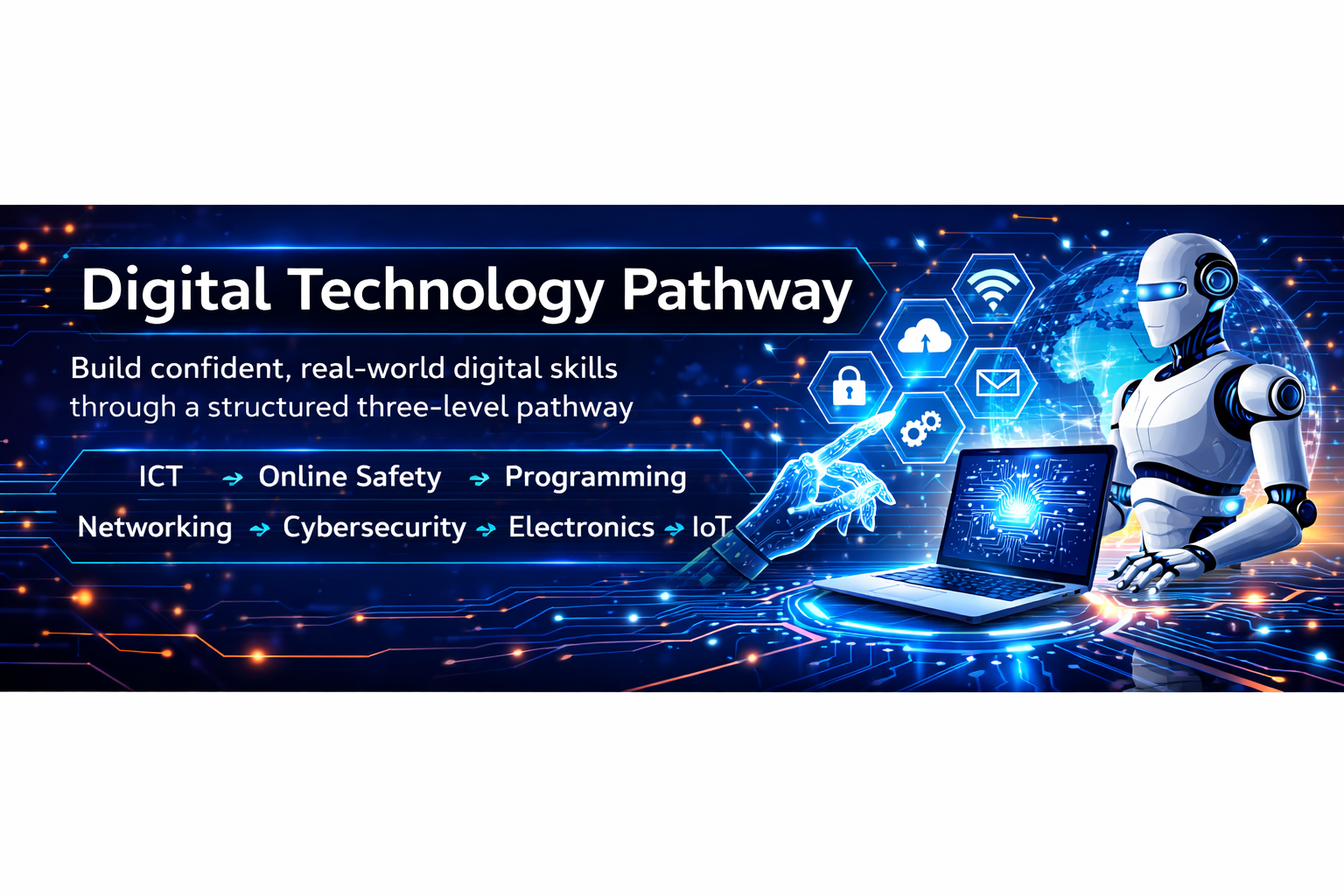
Digital Technology Pathway Programme
Build confident, real-world digital skills through a
structured three-level pathway. Learners progress from core ICT and online
safety to programming, networking, cybersecurity, electronics, and introductory
IoT—supported throughout with engaging simulation tools.
Programme Structure
The pathway is delivered across three progressive levels:
Level 1: Digital foundations
and safe, confident use of technology
Level 2: Intermediate skills
and deeper understanding of how technology works
Level 3: Advanced practical
skills and mini-projects aligned to real-world tasks
Core Strands Across All Levels
These strands run through the entire programme, increasing
in depth as learners progress:
ICT Fundamentals
Basic Electronics (with
Simulation Tools)
Operating Systems, Hardware
& Best Practices
Internet & Basic Networking
Programming Foundations
Cyber Security Fundamentals /
Essentials
Basic IoT Concepts (with
Simulation Tools)
Level 1
Strand 1: ICT Fundamentals
Learners begin by understanding what computers are and how
we use them every day.
What a computer is and where we use
computers in daily life
Input and output devices
Using basic
applications:
Word processing (typing, fonts,
saving files)
Presentations (simple slides with
text and images)
Paint / simple drawing tools
Safe file handling:
Saving, opening, and organizing work
in folders
Strand 2: Operating Systems, Hardware & Best
Practices
Introduce operating systems, basic hardware parts, and
responsible device use.
What an operating system is
Simple navigation (desktop, start menu, taskbar, dock)
Basic hardware parts (in simple
language):
CPU, monitor, keyboard, mouse, speakers
Best practices:
Proper shutdown
Basic ergonomics and posture
Respecting shared devices and classroom rules
Strand 3: Internet & Basic Networking
A friendly introduction to the internet, online services,
and staying safe.
- What
the internet is (child-friendly terms)
- Examples
of online services:
- Search
engines, email, video sites, educational games
- Very
basic networking idea:
- Computers
connected together in a “big web”
- Online
safety basics:
- Not
sharing personal details
- Asking
an adult if something feels wrong
Strand 4: Programming Foundations
Learners explore the idea that computers follow
instructions.
- “Computers
follow instructions” concept
- Unplugged
activities:
- Writing
step-by-step instructions for someone to follow
- Block-based
programming:
- Simple
projects in Scratch (or similar)
- Make
a character move, speak, and respond to key presses
Strand 5: Basic Electronics (Simulation Tools)
Introduce electricity and simple circuits using safe
simulations.
- What
electricity is (simple explanation)
- Basic
components:
- Battery,
wire, bulb, switch
- Using
a child-friendly simulation tool:
- Drag
and drop components to build a simple circuit
- Turn
a switch on/off to control a bulb
- Safety
message:
- Never
play with real mains electricity
Strand 6: Cyber Security Fundamentals
Introduce safe and respectful digital behaviour.
- “Keeping
your digital world safe”
- Strong
password basics:
- Passphrases
and easy-to-remember patterns
- Recognising
simple scams:
- Don’t
click strange links
- Respecting
others online:
- Kind
communication and no bullying
Strand 7: Basic IoT Concepts (Simulation Tools)
Explore “smart” devices and simple sensor-based logic.
- What
IoT is:
- Everyday
examples (smart lights, smart speakers, fitness bands)
- Sensors
and data (through stories/examples):
- Light
sensor, temperature sensor
- IoT
simulation:
- Prebuilt
scenes (e.g., light turns on when it’s “dark”)
- Simple
logic blocks: “If dark, then turn on light”
Level 2
Strand 1: ICT Fundamentals & Applications
Learners strengthen productivity skills and introduce
spreadsheets.
- Intermediate
word processing:
- Styles,
headers, bullet points, simple tables
- Presentations:
- Layouts,
inserting charts and images properly
- Spreadsheets:
- Cells,
rows, columns
- Simple
formulas (addition, subtraction, average)
Strand 2: Operating Systems, Hardware & Best
Practices
More confident system use, plus stronger digital hygiene.
- OS
features:
- File
explorer, search, basic settings
- Installing
trusted software (demonstration)
- Hardware
overview (simple explanations):
- CPU,
RAM, storage, motherboard, GPU
- Good
practice:
- Regular
updates
- Basic
backup concept
- Using
anti-malware tools
Strand 3: Internet & Basic Networking
Learners understand how the internet works at a high level.
- Internet
overview:
- Devices,
routers, servers, websites
- Web
addresses and DNS (simple explanation)
- Types
of networks:
- Home
network, school network, Wi-Fi
- Responsible
use:
- Digital
footprint
- Respecting
copyright
Strand 4: Programming Foundations
Move from block-based to introductory text-based
programming.
- Block-to-text
bridge:
- Advanced
Scratch (or similar)
- Key
concepts:
- Variables,
loops, conditionals, events
- Introduction
to text-based coding:
- Basic
Python or JavaScript
- Printing
text, simple calculations, input/output
Strand 5: Basic Electronics (Simulation Tools)
Introduce diagrams, components, and conceptual measurements.
- Electronic
symbols and circuit diagrams
- Components:
- Resistor,
LED, button, battery, breadboard
- Simulation
activities (e.g., Tinkercad Circuits or similar):
- Build
a series circuit with LED and resistor
- Experiment
with resistor values
- Intro
to measurements (conceptually):
Strand 6: Cyber Security Fundamentals
Introduce threats and personal data awareness.
- Types
of threats:
- Viruses,
phishing, fake websites (simple examples)
- Safe
browsing habits
- Password
hygiene:
- Password
managers (concept)
- Data
privacy:
- What
personal data is and why it matters
Strand 7: Basic IoT Concepts (Simulation Tools)
Understand basic IoT structure and practise simple logic
systems.
- IoT
architecture (simple view):
- Sensors
and actuators:
- Temperature
sensor, motion sensor, relay, motor
- IoT
simulations (smart home examples):
- If
motion detected → turn on light
- If
temperature high → turn on fan
- Basic
data logging:
- Viewing
sensor graphs inside the simulator
Level 3
Strand 1: ICT, Productivity & Real-World Tasks
Learners produce professional work and collaborate using
cloud tools.
- Advanced
document skills:
- Reports
with contents pages, references, images
- Presentations
for real audiences:
- Design
principles, avoiding clutter, speaker notes
- Spreadsheets:
- Advanced
formulas, charts, basic data analysis
- Cloud
storage and collaboration tools
Strand 2: Operating Systems, Hardware & Best
Practices
Explore OS types, performance basics, and practical
troubleshooting.
- Operating
system types:
- Desktop
vs mobile; basic Linux vs Windows vs macOS concept
- Performance
basics:
- CPU
speed, RAM, SSD vs HDD impacts
- Practical
tasks:
- Managing
storage, checking system information, basic troubleshooting
Strand 3: Internet & Networking Fundamentals
Develop a clearer understanding of networks and practise
simple labs.
- Network
components:
- Switches,
routers, access points, cables
- IP
addresses and local network concept
- Simple
network topologies
- Practical
mini-labs / simulations:
- Connecting
devices in a simulated network
- Testing
connectivity using simple tools (e.g., ping in a simulator)
Strand 4: Programming Languages & Problem Solving
Build confidence in text-based programming and structured
thinking.
- Strengthening
text-based programming:
- Python,
JavaScript, or another suitable beginner language
- Core
concepts:
- Functions,
lists/arrays, simple error handling
- Small
projects:
- Simple
games
- Utilities
like a quiz or calculator
- Structured
problem solving:
- Flowcharts
and pseudocode
Strand 5: Electronics (Simulation Tools)
Explore deeper circuit concepts and build simulated systems.
- Series
and parallel circuits
- Components:
- Transistors,
sensors, basic integrated circuits
- Simulations:
- Build
a traffic light controller circuit
- Use
virtual instruments (multimeters/oscilloscopes) where available
Strand 6: Cyber Security Essentials
Introduce foundational security principles and practical
awareness.
- The
CIA Triad (Confidentiality, Integrity, Availability) in simple terms
- Common
cyber attacks:
- Phishing,
malware, brute force (intro level)
- Safe
behaviour:
- Secure
Wi-Fi use, checking for HTTPS, updating software
- Practical
tasks:
- Spotting
phishing emails in exercises
- Creating
a personal “cyber hygiene checklist”
Strand 7: IoT Concepts & Mini Projects (Simulation
Tools)
Design and simulate complete IoT systems with mini-projects.
- Intro
IoT system design:
- Device
layer, network layer, application layer
- Using
IoT simulators or virtual microcontrollers:
- Tools
that simulate Arduino or ESP-type boards
- Simulation
projects:
- Smart
greenhouse:
- Monitor
temperature and soil moisture
- Auto-switch
irrigation pump in simulation
- Home
security example:
- Motion
sensor triggers alarm and notification in simulation
- Optional
extension:
- Intro
to sending data to a “cloud” dashboard inside the simulator